Describe a jacket, get the sewing pattern: Creai now designs clothing down to the seams
Creai's new Clothing design turns a sentence into a garment with a sewing pattern cut to your measurements, a print file for every piece, a try-on, and a way to get it made or put it on sale.

Most AI fashion tools stop at a picture. You get an image of a dress that looks good on a screen and nothing that tells a sewing room how to make it. Creai's new Clothing design starts where those tools stop. You describe a garment in the chat, and what comes back is a design you could hand to a maker.
A pattern, not just a picture
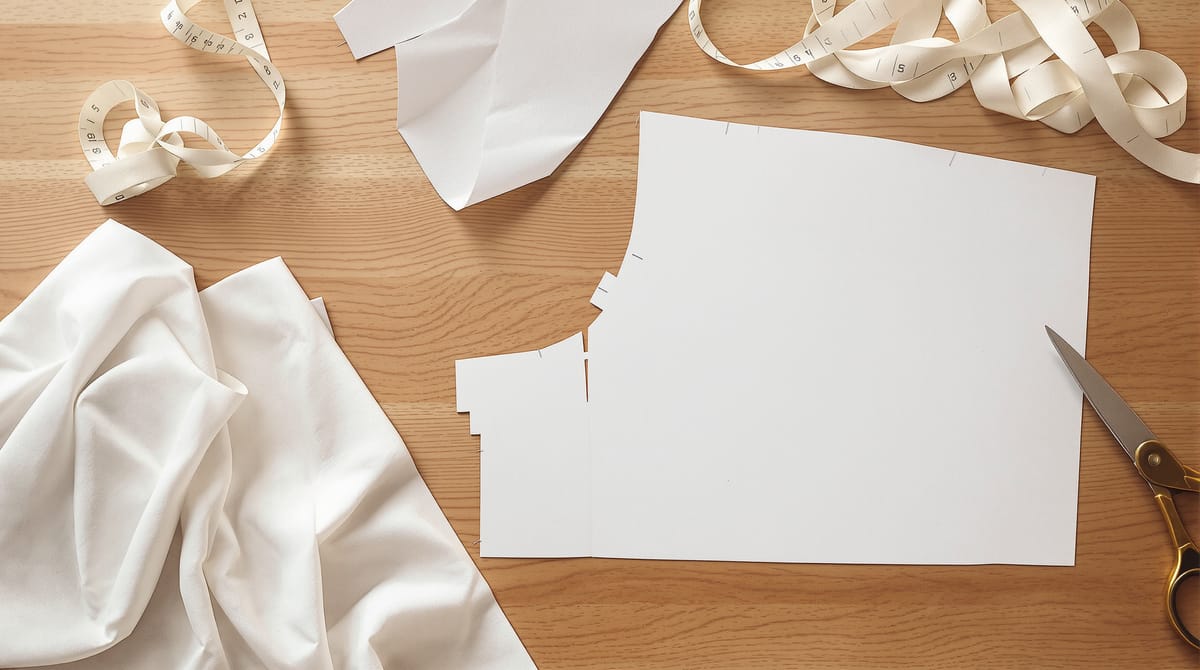
Every design arrives with a name and the fashion directions it draws on. Under the picture is the part that matters to anyone who sews: a pattern drafted to your measurements. Creai can cut a garment from ready-made templates for tops, dresses, skirts and trousers, or draw every piece itself for things like a coat, a cape or a bag.
Then it checks its own work. Each pair of edges that will be sewn together is measured against the other, so you can see the pieces actually join. If a freeform draft doesn't meet at the seams, the mismatches go back to the designer to fix.
The print is laid on every piece at its real size and saved as a file a fabric printer can use. The design also says which fabric to use and how much to buy for the roll width. Sliders redraft the pattern in seconds when you want a longer hem or a looser fit.
On you, and fitted to you
The try-on picture shows the design on a model, or on you. Add one full-length photo and the try-on uses it. The photo is stored privately, with its location and camera details stripped out, it is never used as the project's thumbnail, and one tap removes it.
There is also Fit for my body. A sleeve or trouser leg can be cut for one side only, for an arm or leg that ends early or isn't there, while the rest of the design stays exactly as drawn. You can set it with a slider or just say it in the chat. Creai is plain about the limit: the seam check proves the pieces sew together, but comfort and fit still need a first sample and a fitting.
From design to something you can hold, or sell
Two buttons take a design off the screen. Get it made asks for a price on the finished garment, or on the printed fabric with every piece marked and ready to cut. The price and delivery time come back by email, and nothing is charged or made until you say yes. A design whose seams can't be sewn is turned down with the reason, so nothing unsewable goes to a maker.
Or sell it opens a one-product site next to the design, already holding its pictures and a first message that only needs your price. A try-on made from your own photo is never copied onto that public page.
That second button is the point. Creai's promise is that the person with the idea ends up owning something that earns, and a garment now has the same path as a site or an app.
Also new this week
- 3D models on sites and apps. Attach a .glb file the way you'd attach a photo, and visitors see the real model turning.
- Adjust for physical products. In Fabricate, change any dimension with a slider and rebuild the model, drawings and checks in seconds, without starting over.
- A launch moment worth sharing. Your first publish now stays on screen with Share it, Copy link and your new address, for games and apps as well as sites.
- A tidier menu. New… opens one grouped page, and recent projects show with real pictures.
- On-brand pictures. Pictures made for a site use its colours, and its logo appears on the page.
The full list is on Creai's What's new page: www.creai.dev/changelog/creai-2026-11-16-clothing-design.
Creai is built by Aaron Aldana. More at aaronaldana.com.